Connecting your ConvertKit account to your Blogger is straightforward.

1) Create your opt-in form inside ConvertKit
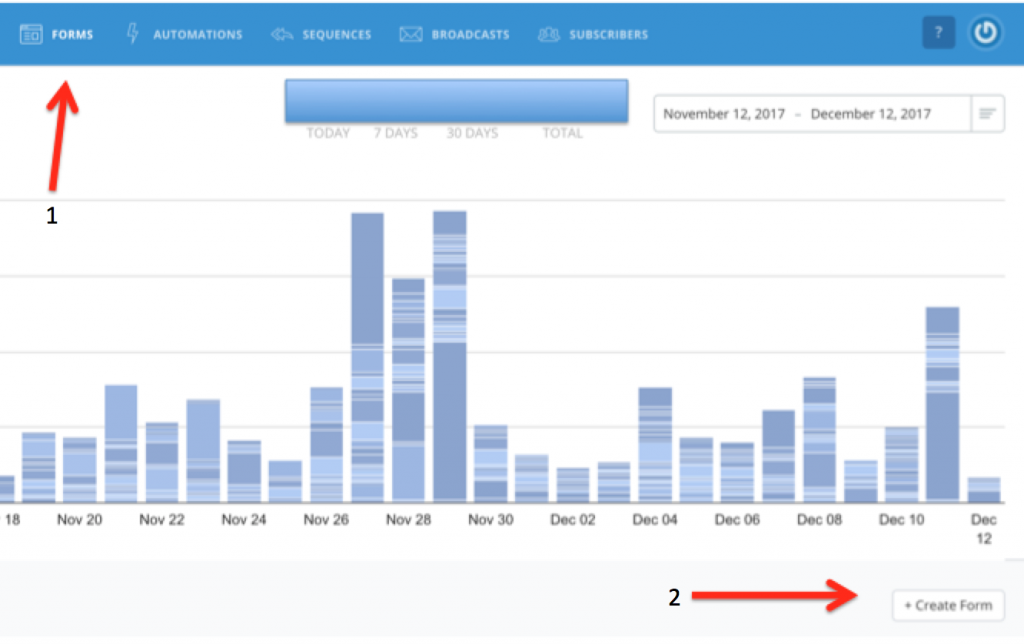
Forms –> + Create Form
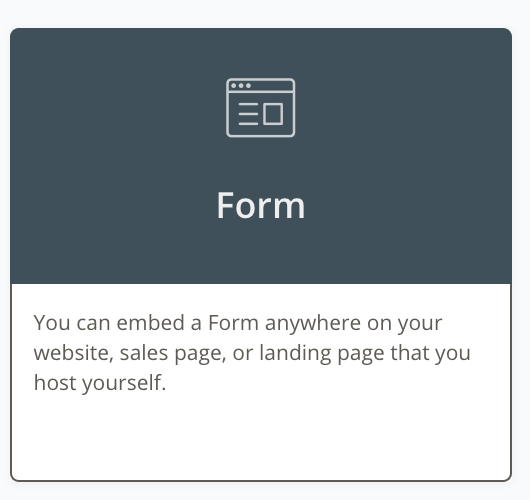
2) Click Form
3) Choose your style then design your form
4) Click Settings –> Style –> Click inside the Custom CSS box and enter the following
.ck_powered_by { display: none !important; }
.ck_first_name_field_group {display:none;}
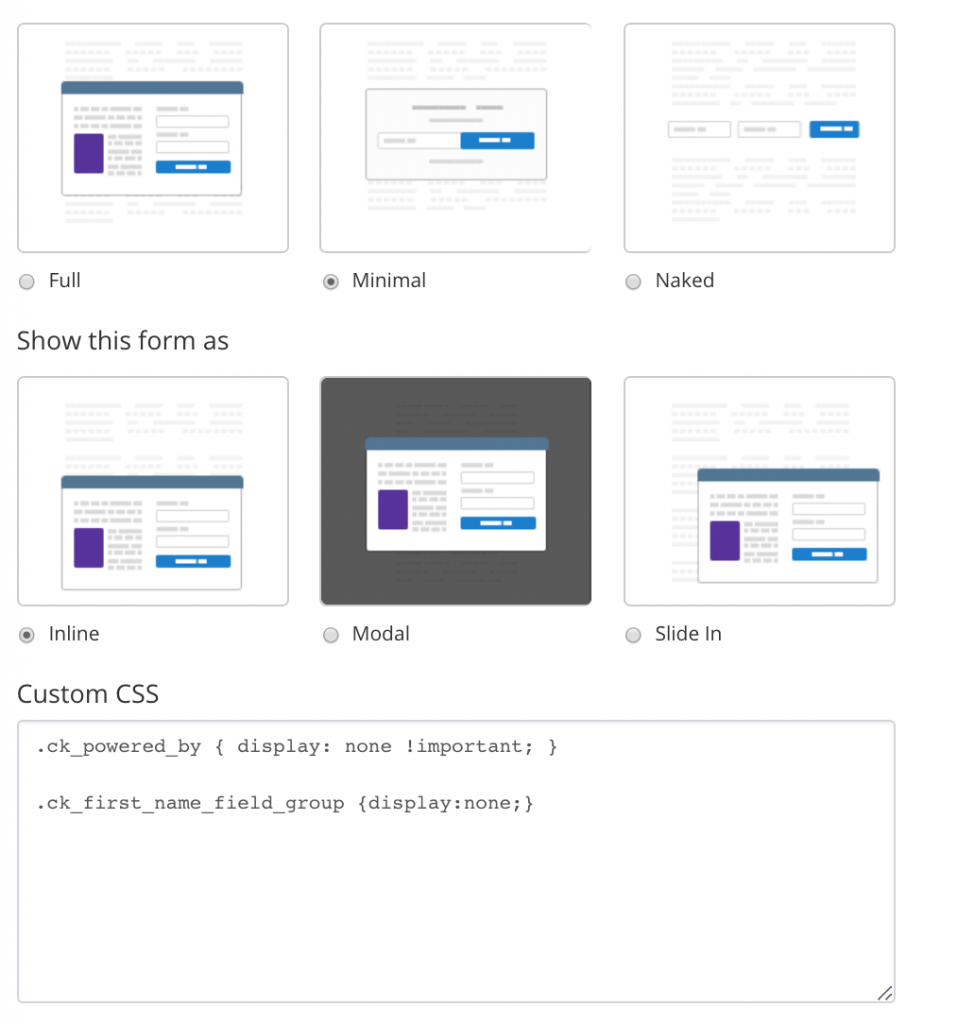
This gets rid of the ConvertKit branding and removes the First Name box if you don’t want your customers to have to enter their first name along with their email address.
5) Click Embed on the left then select Raw HTML
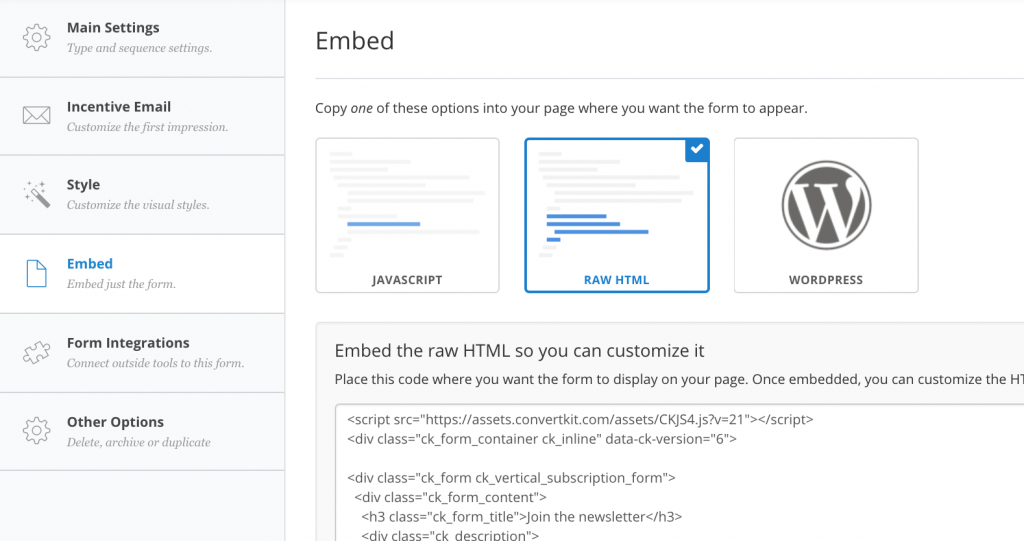
6) Copy the HTML code
7) Inside your Blogger post, click the HTML tab beside Compose and paste the HTML script in.

All done. I came across a fantastic video that walks you through this process in more detail. Click below to watch. If you haven’t already signed up for ConvertKit, I am an affiliate but there’s no software out there that I recommend more highly. If you’d like to try it out for free for 14 days, CLICK HERE.
Leave a Reply